 Tidily
 Tidily
iPhone storage full? Clear these 9 things first
Biggest wins first, from long videos to Messages attachments, plus the Recently Deleted step that makes the space actually appear.
For iPhone
No data ever leaves your phone. Private and safe.
Tidily finds the big videos, similar shots and screenshots filling your iPhone. You choose what goes.
Example. Sizes are illustrative.
How it works
Your iPhone says Storage Full right when you need an update, a film for a trip or a new app. Tidily starts from that goal. If you'd rather do it by hand, here's what to clear first when your iPhone says Storage Full.
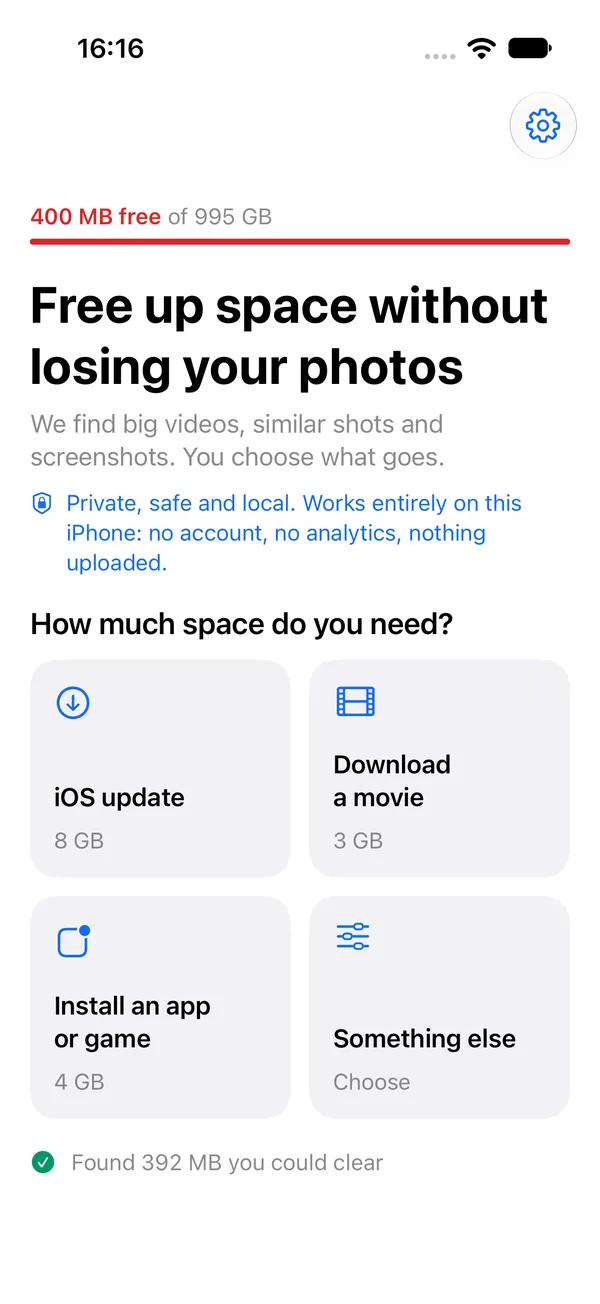
Pick an iOS update, a movie download or a new app, or type your own amount. Tidily scans your library on the phone.
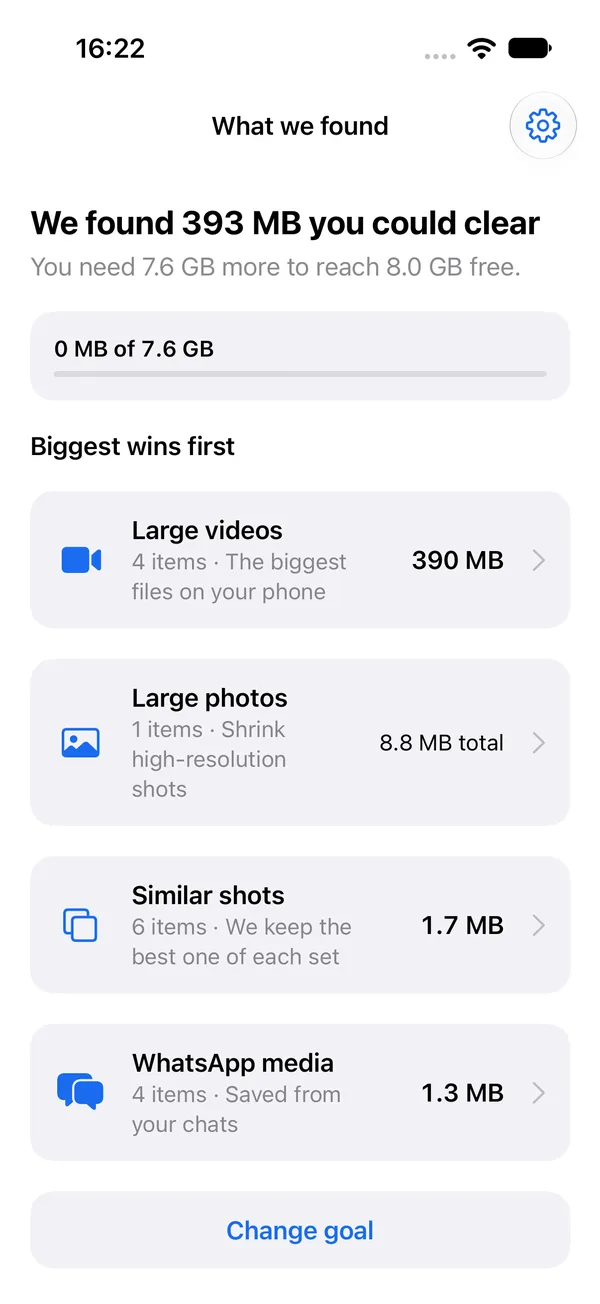
Tidily lists what it found in groups, biggest wins first. Scanning and looking are free.
Untick anything you want to keep and delete the rest in one go. Or shrink videos and photos and keep a smaller copy.
What we found
Tell Tidily how much room you need and it shows what's taking space in your own library, biggest wins first:
Large videos
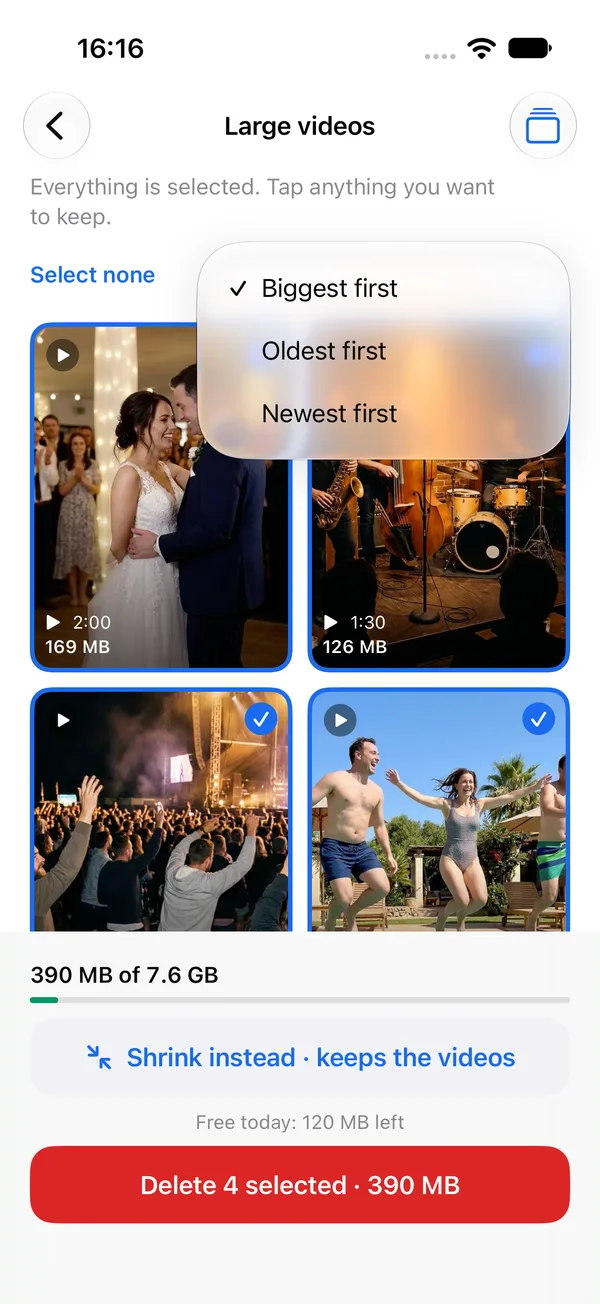
The Photos app can't sort by file size. Tidily can. Large videos opens with the biggest file at the top, so the first few you clear make the most difference.
You can switch the order to Oldest or Newest at any time.
Prefer to look by hand? Here are 3 ways to find the biggest videos on your iPhone.
Bulk select
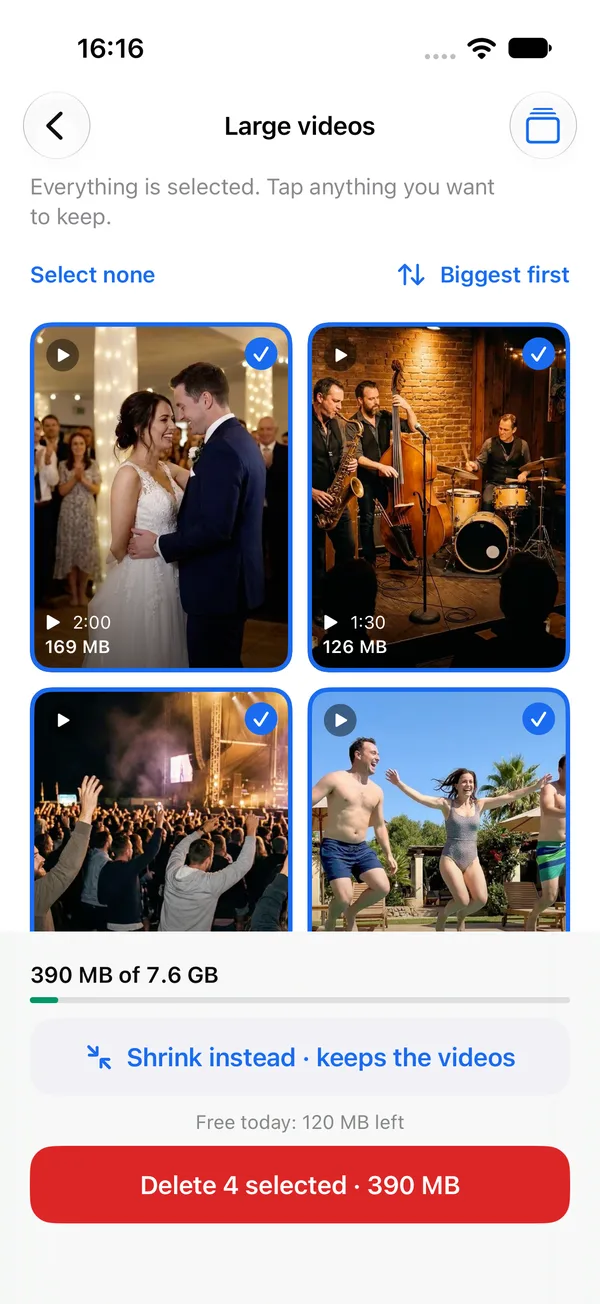
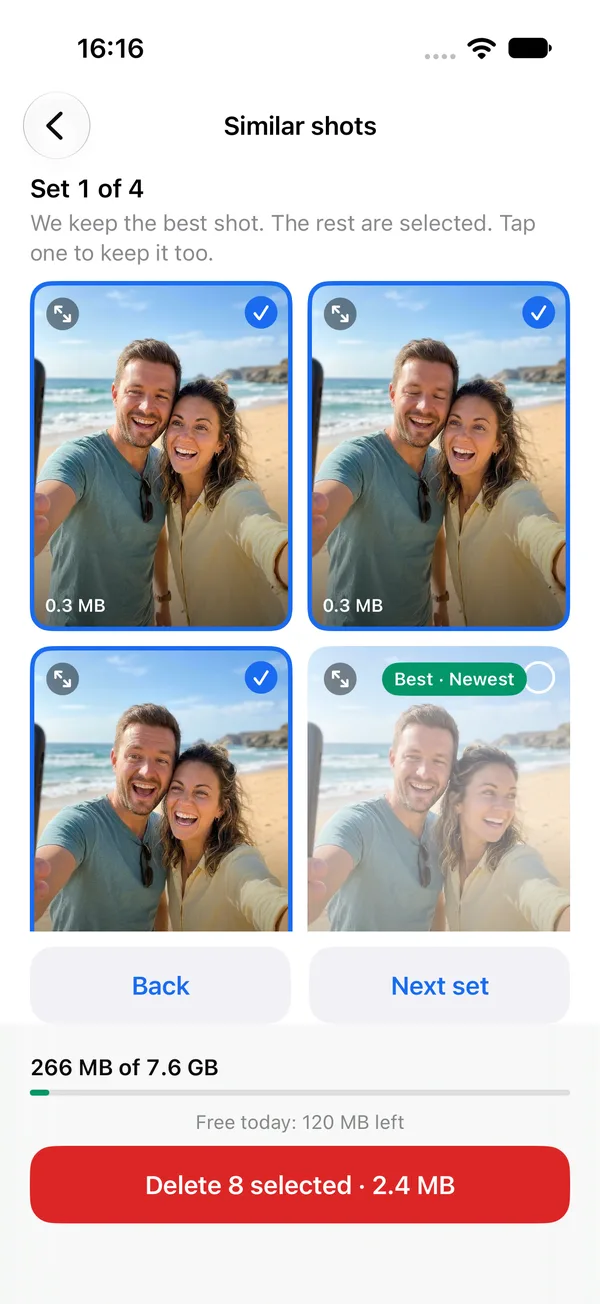
Picking photos one at a time takes forever. In Tidily, everything in a group starts selected. You untick the few you want to keep, then tap one Delete selected button.
Before anything is removed, iOS shows its own confirmation. Nothing goes until you say so.
Similar shots
When you take the same photo five times, Tidily keeps one and selects the rest. It keeps your favourite first. If there isn't one, it keeps a photo you edited, then one where eyes are open, then the one with the highest quality score.
Tap any photo to change the pick.
Shrink
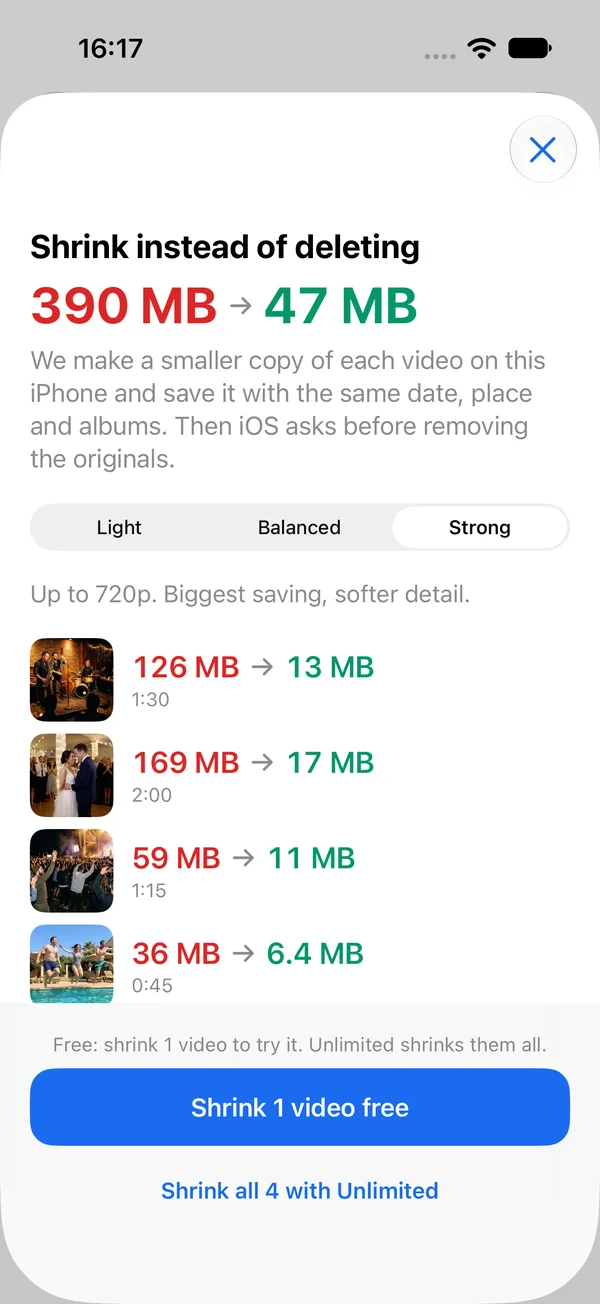
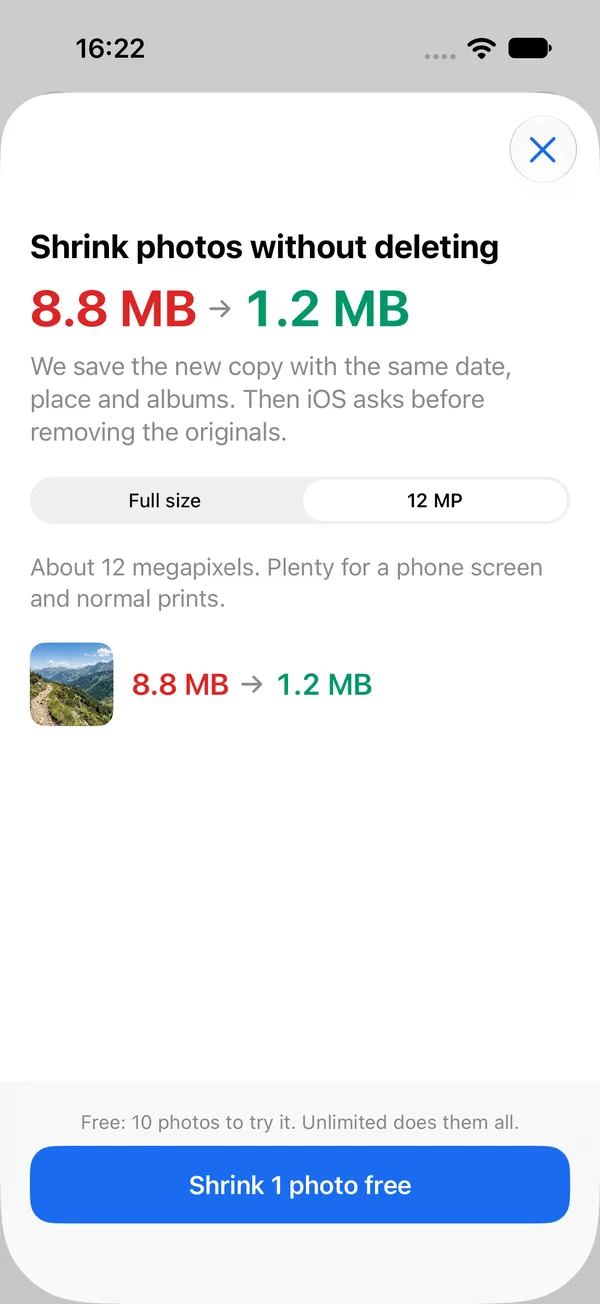
Some videos and photos you want to keep. Tidily can save a smaller copy instead.
The copy keeps the date, place, favourite flag and albums. You see the size before and after, and iOS asks you before the originals are removed.
Privacy
Tidily works entirely on your iPhone. Your photos are never uploaded, and we never see them.
The scan, the sorting and the shrinking all happen on the iPhone. Nothing is sent anywhere.
There's nothing to sign up for. Open the app and start.
The app has no tracking, no analytics and no ads.
iOS has a built-in App Privacy Report that lists every internet domain each app has contacted.
What you should see: Tidily has no network code of its own, so you won't see it contacting any websites.
Safety
You stay in charge of every photo and video.
Before anything is removed, iOS shows its own confirmation dialog. You tap Delete, or nothing happens.
Removed items go to Recently Deleted in Photos for 30 days. Tidily shows you how to empty it when you're sure.
When you're done, tap Check my space to see how much free space your iPhone has now.
Questions
Yes, it's free to download. You can scan, see what's taking space and start clearing right away. If you want more, an optional upgrade removes the daily limit.
No. Tidily scans, sorts and shrinks your photos on your iPhone. There's no account and no analytics, and nothing is uploaded. You can check this yourself with the App Privacy Report built into iOS.
When you tap Delete selected, iOS shows its own confirmation first. Deleted items then go to Recently Deleted in the Photos app, where they stay for 30 days and you can still recover them.
They keep using space until they leave Recently Deleted. To clear them now, go to Photos > Collections > Utilities > Recently Deleted, tap Select, tap the ... button, then Delete All. Tidily walks you through this at the end. If your free space still hasn't gone up, see how to empty Recently Deleted when iPhone storage doesn't go up.
No. Tidily works with the photos on your phone. You don't need iCloud Photos or paid iCloud storage.
If you do use iCloud Photos, deleting a photo on your iPhone also deletes it from iCloud and your other devices.
A little, and you choose how much. For videos, Light keeps the most detail and Strong saves the most space with softer detail. For photos, full size keeps the original resolution, and 12 MP is plenty for a phone screen and normal prints.
You see the size before and after, so you can decide before anything changes.
Articles
Plain articles for iPhone, tested on iOS 27.
Biggest wins first, from long videos to Messages attachments, plus the Recently Deleted step that makes the space actually appear.
Videos are usually the biggest files on a phone. Three ways to find yours on iOS 27.
Deleted photos stay on your iPhone for 30 days. Here's how to clear them properly.